The tool gets in the way
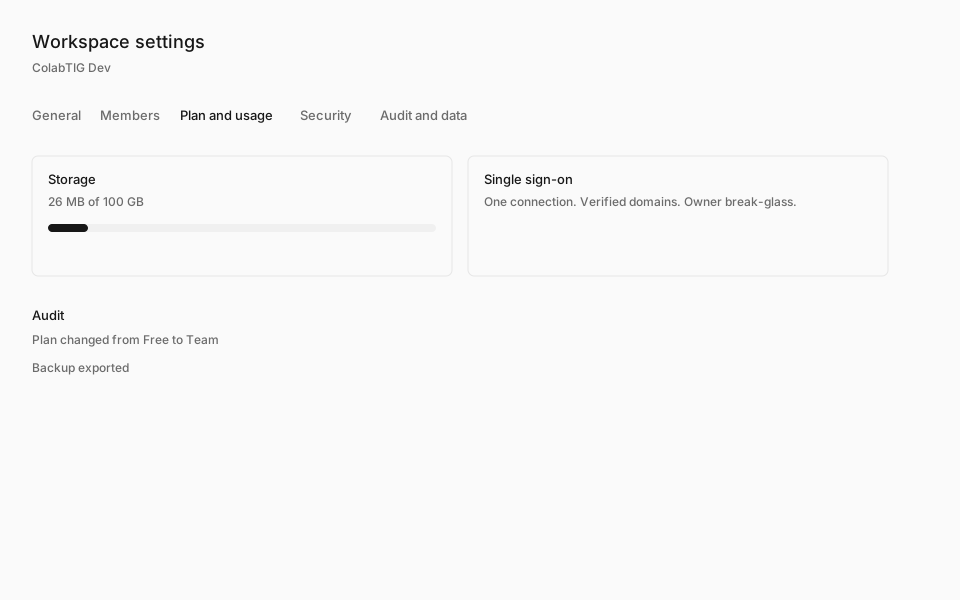
People describe project tools as slow and buried in menus. ColabTIG keeps the daily sidebar to Home, My Work, Inbox, Projects, Chat, and Calendar. Everything else lives in the workspace settings.

Work management
ColabTIG is for teams that lost the thread in a louder tool. Home shows what needs a person. The rest of the product stays out of the way until you ask for it.
People describe project tools as slow and buried in menus. ColabTIG keeps the daily sidebar to Home, My Work, Inbox, Projects, Chat, and Calendar. Everything else lives in the workspace settings.
A typo should not hide the task. Search covers tasks, comments, files, docs, and chat, and a sentence can become filters without leaving the results.

A message can become a task, and a task can be shared back into the conversation. Comments stay on the task. The transcript stays a transcript.

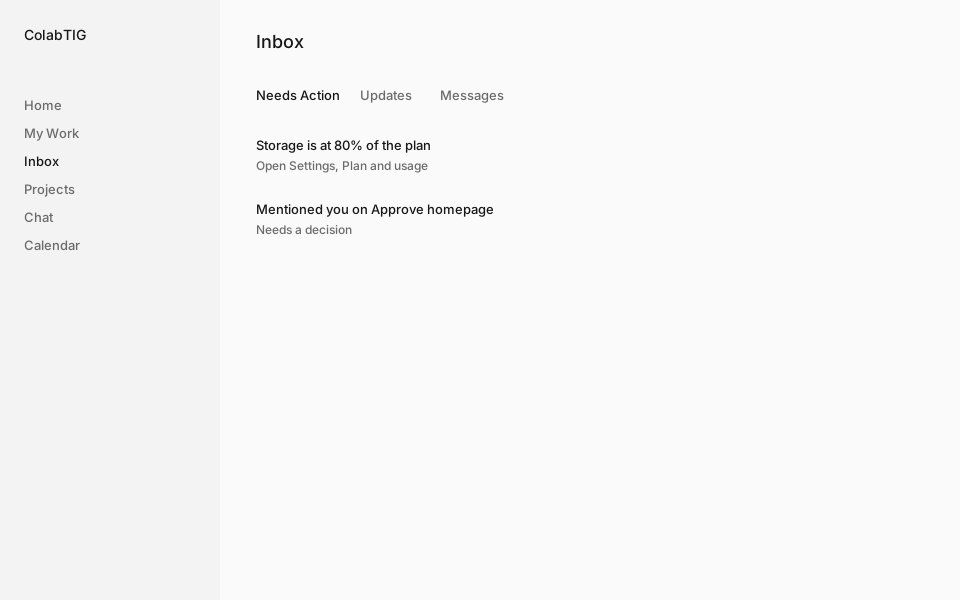
Inbox splits Needs Action from updates and messages. Focused, Balanced, and Everything are workspace defaults, and repeated comments collapse instead of stacking.
The work model is Workspace, Project, Phase, Task. Views are ways of looking at the same tasks. There is no extra folder layer to file things into.

Sign-in, provisioning, audit, backup, and retention are in Workspace Settings on every plan. They are not a higher tier. Guests see only the projects you grant.